Accept a team invitation
Who this is for: New team members invited by email.
Before you begin
- Use the same email address the invitation was sent to.
- Invitations expire after 7 days.
Steps
- Open the Accept the invitation link in the email from Clositic.
- If you’re not signed in, sign in with that email (magic link). See Sign in and choose a workspace.
- Review the screen: company name, who invited you, and your role (Member or Admin).
- Click Accept invitation to join, or Decline if it was sent by mistake.
After accepting, you’re taken into that company’s workspace (dashboard for Admin, AI training for Member).
Invalid or expired invitation
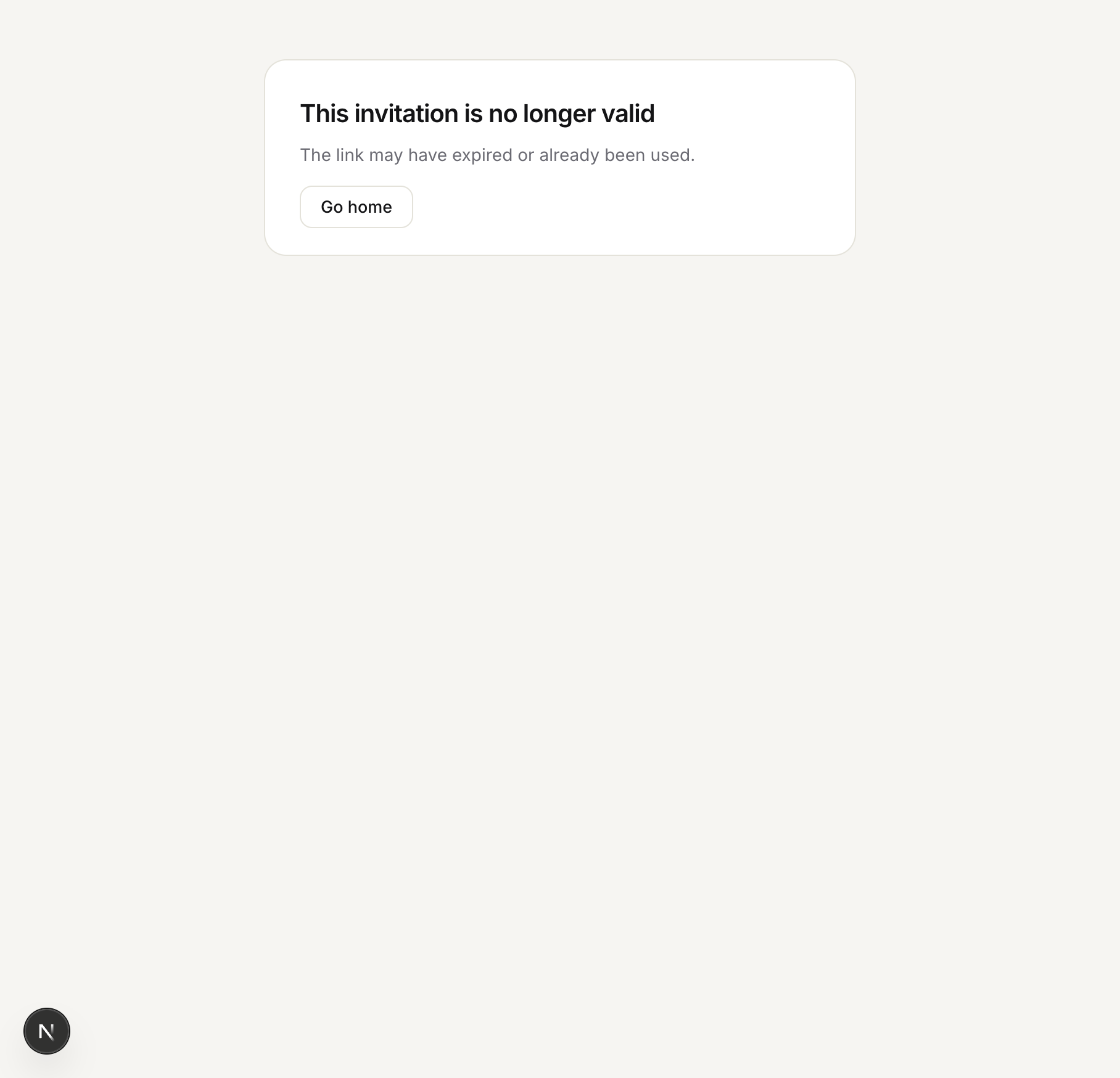
If the link was already used or has expired, you’ll see:
This invitation is no longer valid — The link may have expired or already been used.
Ask your manager to send a new invitation from Settings → Invite Team Members.
Wrong account signed in
If you’re signed in as a different email than the invite, the app asks you to sign out and sign in as the invited address.
If something goes wrong
- Invitation email didn’t arrive — Ask the sender to use Copy invite link in Settings and share it directly.
- See Troubleshooting.