Review conversations
Who this is for: Owners and Admins.
Open the conversation list
From the dashboard, click Conversation Review, or use the app menu.
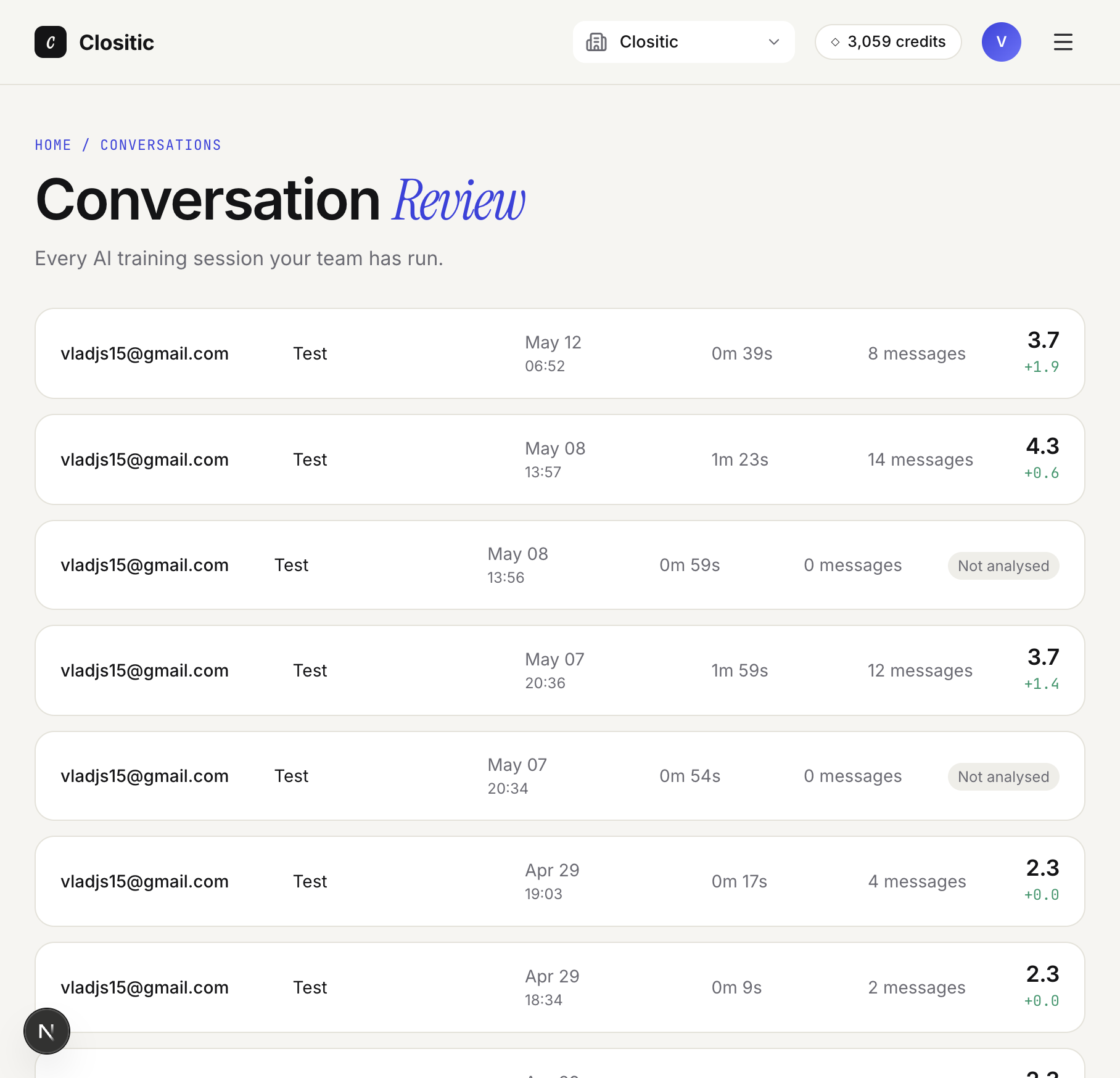
Each row shows: trainee, session name, date, duration, messages, score or Not analysed, and trend.
Click a row for more details. To see older conversations, click Load more at the bottom.
Conversation detail report
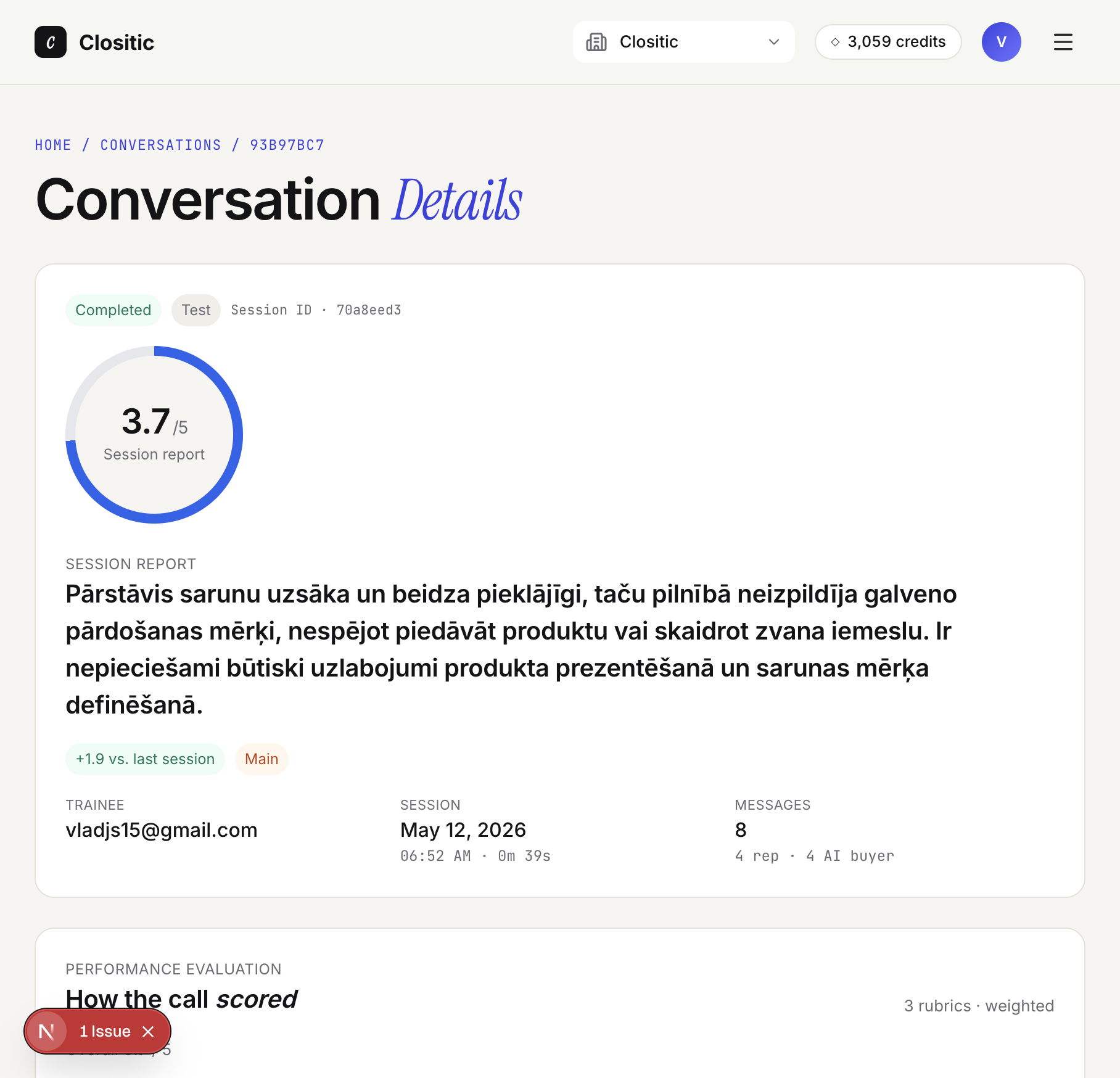
- Session report — summary
- How the call scored — rubric
- What to do next — coaching
- Curated resources — materials
- Full transcript — transcript
If Not analysed: open the conversation and click Analyse now.
Coaching workflow tip
Low scores → open details → discuss Start doing with the rep → track progress in Performance Overview.