Dashboard overview
Who this is for: Owners and Admins only. Members are redirected to AI training and do not see the dashboard.
Open the dashboard
After you choose a workspace, you land on Home / Dashboard with the greeting Welcome back, …
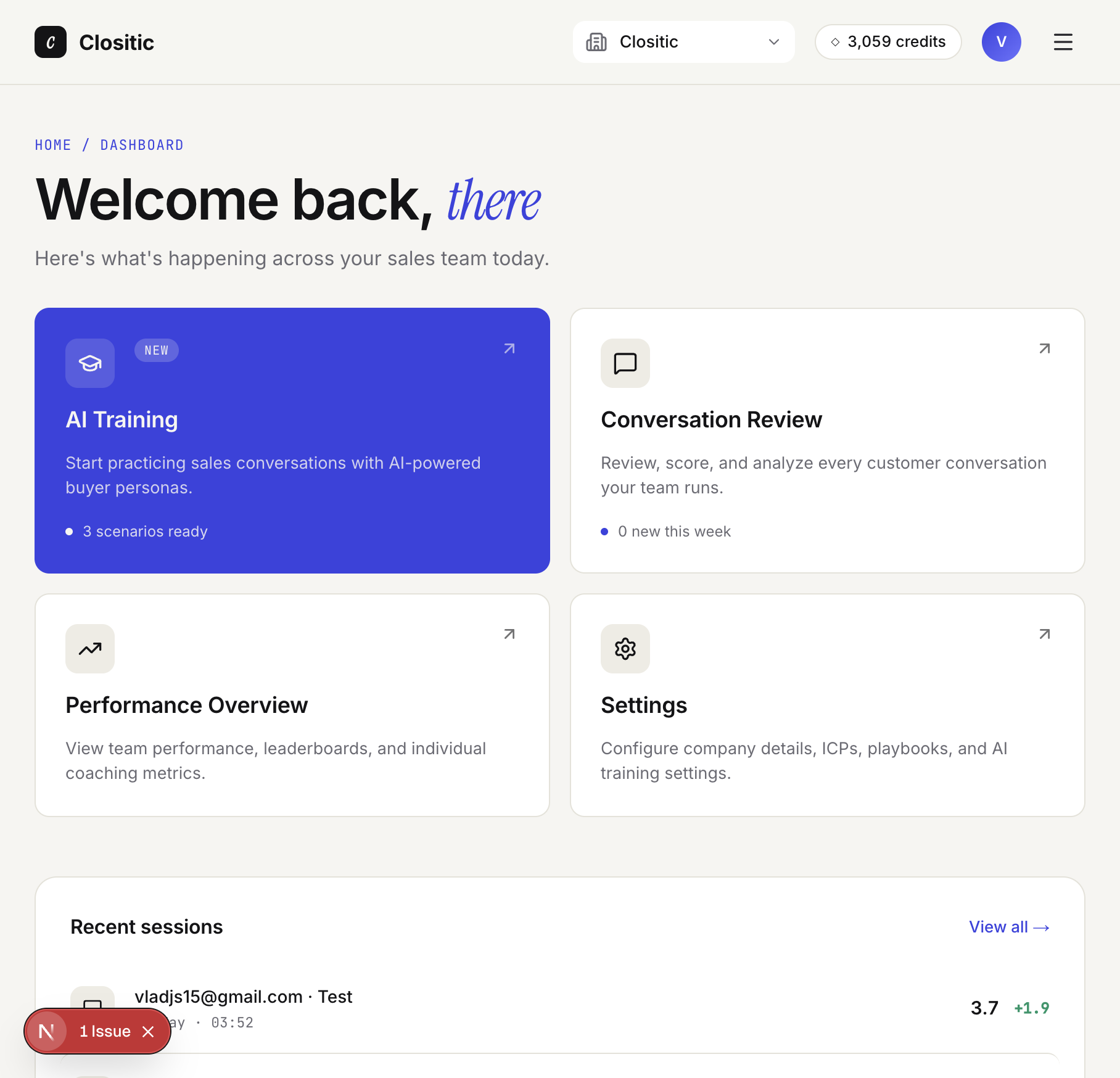
Action cards
| Card | Purpose |
|---|---|
| AI Training | Practice with AI |
| Conversation Review | All AI training sessions your team has completed. |
| Performance Overview | Track team performance and identify areas for improvement. See each individual employee's results. |
| Settings | Company profile, avatars, invites |
Recent sessions
The list shows the latest calls. Click View all → to open the full conversation list.
Credits in the top bar
The pill next to your profile shows remaining credits for everyone in that workspace.